What is React? JSX Introduction and Your First Component
What problem React actually solves, how JSX syntax works, and how to build your first component.
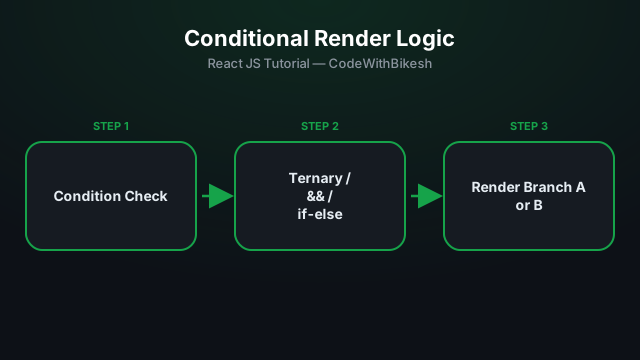
Very often, part of your UI depends on some condition — whether a user is logged in, whether something is loading. React has no special syntax for this — plain JavaScript does the job.
function Greeting({ isLoggedIn }) {
  return (
    <div>
      {isLoggedIn ? <p>Welcome back!</p> : <p>Please log in.</p>}
    </div>
  );
}function Inbox({ unreadCount }) {
return (
<div>
<h2>Inbox</h2>
{unreadCount > 0 && <span className="badge">{unreadCount} new</span>}
</div>
);
}⚠️ A common bug: if unreadCount is 0, the left side of && evaluates to 0 (falsy) and React literally prints "0" on screen. Fix: make the condition an actual boolean — unreadCount > 0 && ... (as shown above) or Boolean(unreadCount) && ....
function Status({ state }) {
  if (state === 'loading') {
    return <Spinner />;
  }

  if (state === 'error') {
    return <ErrorMessage />;
  }

  return <Content />;
}
When you have more than 2-3 conditions, or things start looking messy inside JSX, the early-return pattern (separate if statements, each returning its own JSX) tends to stay the most readable.
? :) for 2 options, && for a single-option case.&& (watch out for the "0" bug).return statements are the cleanest approach for complex logic.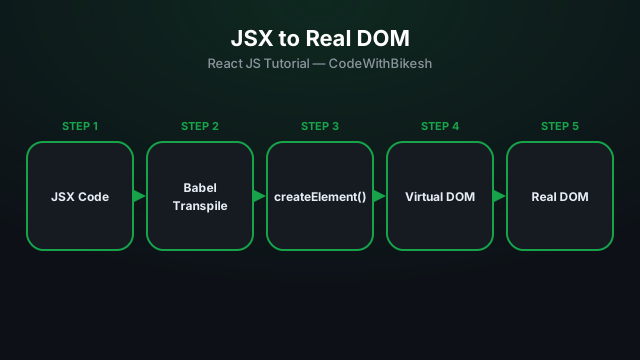
What problem React actually solves, how JSX syntax works, and how to build your first component.
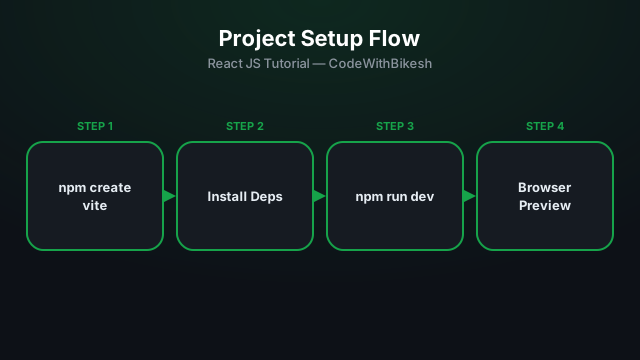
Set up a modern React project in seconds with Vite, and understand the resulting folder structure.
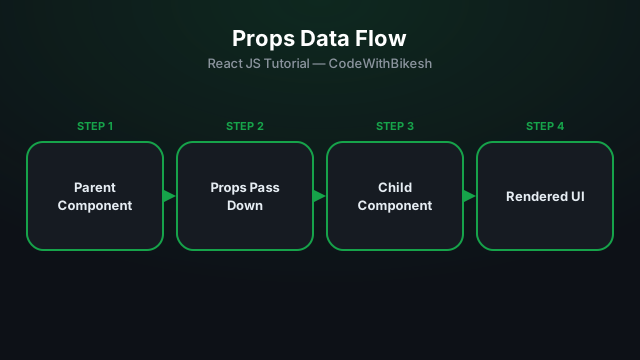
Build functional components and pass data from parent to child components using props.